
Receipt Scanner for Construction Companies
Track every material purchase, fuel receipt, and subcontractor invoice — organized by project.
Construction businesses lose thousands in tax deductions every year to misplaced receipts and manual data entry. SparkReceipt's AI scans receipts on the job site, categorizes expenses by project, and generates tax-ready reports in one click.

Business Owners in 80+ Countries Trust SparkReceipt


From lumber yards to hardware stores — capture every purchase instantly
Scan Receipts Right on the Job Site
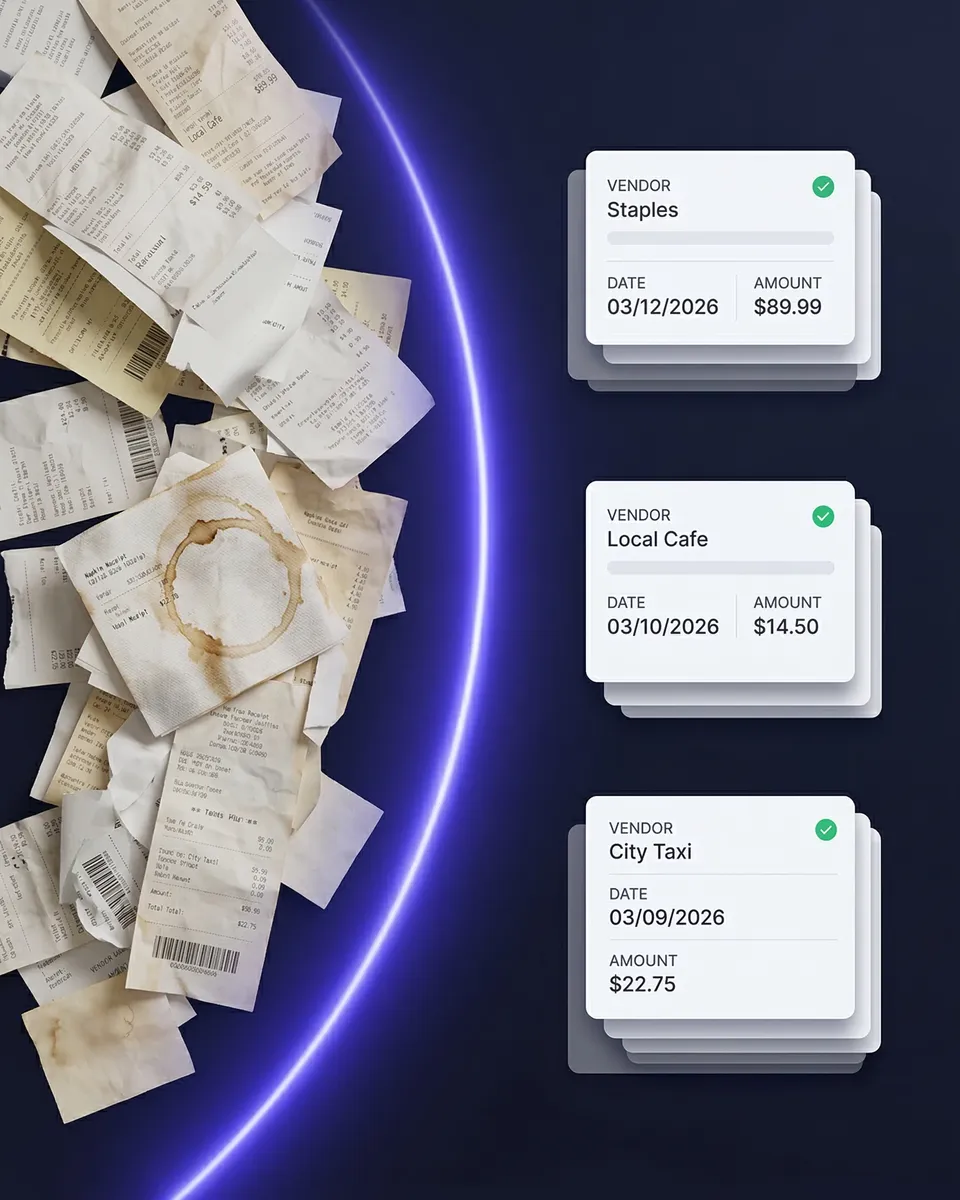
Crumpled receipts from the lumber yard. Faded invoices from the hardware store. Handwritten estimates from subcontractors. Construction generates more paper than almost any other industry — and losing even one receipt can mean a missed deduction. SparkReceipt's AI scans any receipt in seconds, even crumpled or faded ones. Snap a photo on the job site and it's instantly digitized, categorized, and stored.
Know exactly how much each job costs — down to the last nail
Track Expenses by Project, Not Just by Date
Most expense trackers dump everything into one timeline. That doesn't work when you're running three jobs at once. SparkReceipt lets you tag expenses by project, so you always know exactly how much each job is costing you — materials, labor, fuel, equipment rental, and everything in between. No more guessing which purchase went to which job.
How It Works for Construction
Capture Receipts on the Job Site
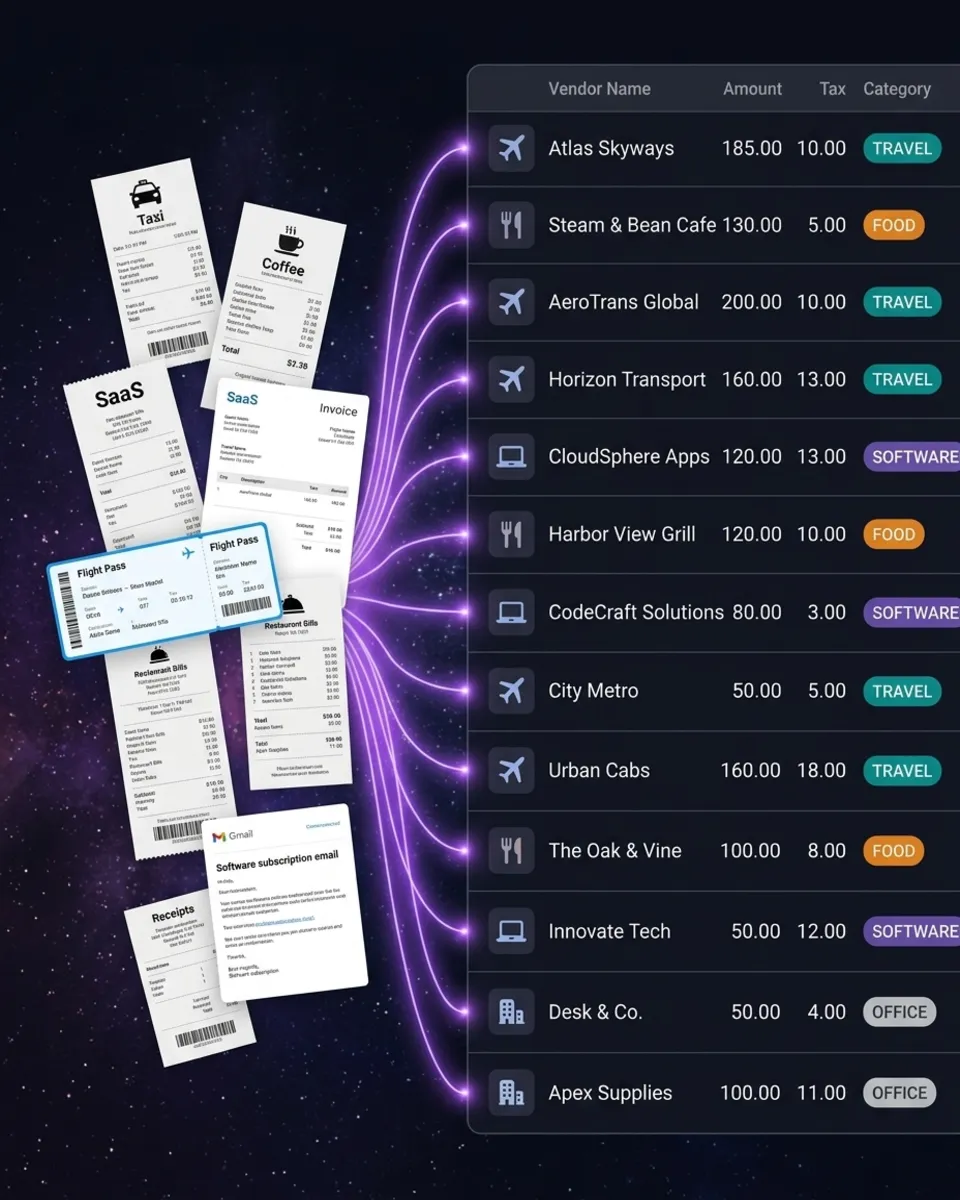
Snap a photo of any receipt — lumber, fuel, hardware, subcontractor invoices. SparkReceipt's AI extracts vendor, amount, date, and category in seconds. Works even with crumpled, faded, or handwritten receipts.
AI Categorizes by Project and Expense Type
Every receipt is automatically categorized into construction-relevant groups — materials, labor, fuel, equipment, permits. Tag each expense to a specific project for per-job cost tracking.
Generate Per-Project Expense Reports
One click generates a complete expense report for any project — with totals, tax breakdowns, and attached receipt images. Export to PDF, Excel, or CSV. Share with your accountant or send directly to your client.
Loved by Small Business Owners
“SparkReceipt has simplified our expense tracking significantly. Everything is organized and accessible when we need it.”

Abigail Dombey
Net Zero Associates Ltd · United Kingdom
“SparkReceipt is an excellent alternative to full-fledged accounting software, saving you time and money!”

Pierce Mooney
Legal Services · United States
“I needed a solution to organize and process my personal and business receipts. I'm thrilled I found SparkReceipt. It saves me a lot of time!”

Frédéric Thériault
Productions Locavores · Canada
Still Tracking Job Site Receipts Manually?
See what changes when AI handles your construction expenses
Without SparkReceipt
- Receipts lost in truck cabs, tool boxes, and pockets
- Hours entering material costs into spreadsheets each week
- No idea how much each project actually costs until it's done
- Missed tax deductions on fuel, materials, and equipment
- Paying your accountant to sort through bags of receipts
With SparkReceipt
- Every receipt scanned on site and stored digitally in seconds
- AI extracts vendor, amount, date, and category automatically
- Per-project expense tracking gives you real-time cost visibility
- Never miss a construction tax deduction again
- Invite your accountant to your account — they see organized, categorized data
Frequently Asked Questions
Yes. SparkReceipt lets you tag every receipt and expense to a specific project. You can filter, search, and generate reports by project at any time — so you always know exactly how much each job is costing you.
Yes. The SparkReceipt mobile app lets you capture receipts offline. Photos are stored on your device and automatically uploaded and processed by AI when you're back online.
Yes. SparkReceipt's AI is trained to handle crumpled, faded, and even handwritten receipts. It extracts vendor, amount, date, and category — even from receipts that have been through a day on the job site.
Common deductible construction expenses include materials, fuel, equipment rental, subcontractor payments, permits, insurance, vehicle expenses, and tool purchases. SparkReceipt helps you capture and categorize all of them so nothing is missed at tax time.
Yes. You can invite your accountant or bookkeeper to your SparkReceipt account. They get full access to your organized, categorized receipts and can generate or export reports directly.
Yes. SparkReceipt syncs with QuickBooks Online, so your categorized expenses and receipt images flow directly into your accounting software. You can also export to Excel, CSV, or PDF.
SparkReceipt costs <Price plan="elite" cadence="annual" display="annual" />/year with all features included. There are no per-user fees, no per-receipt charges, and no hidden costs. Start with a 7-day free trial.
Simple, Transparent Pricing
One flat price. No per-user fees. No hidden costs.