
Receipt Scanner for Real Estate & Property Management
Track maintenance costs, tenant expenses, and renovation receipts — organized by property.
Managing multiple properties means managing hundreds of receipts. SparkReceipt's AI scans every maintenance bill, repair receipt, and vendor invoice — then organizes them by property automatically. Generate Schedule E-ready reports in one click.

Business Owners in 80+ Countries Trust SparkReceipt


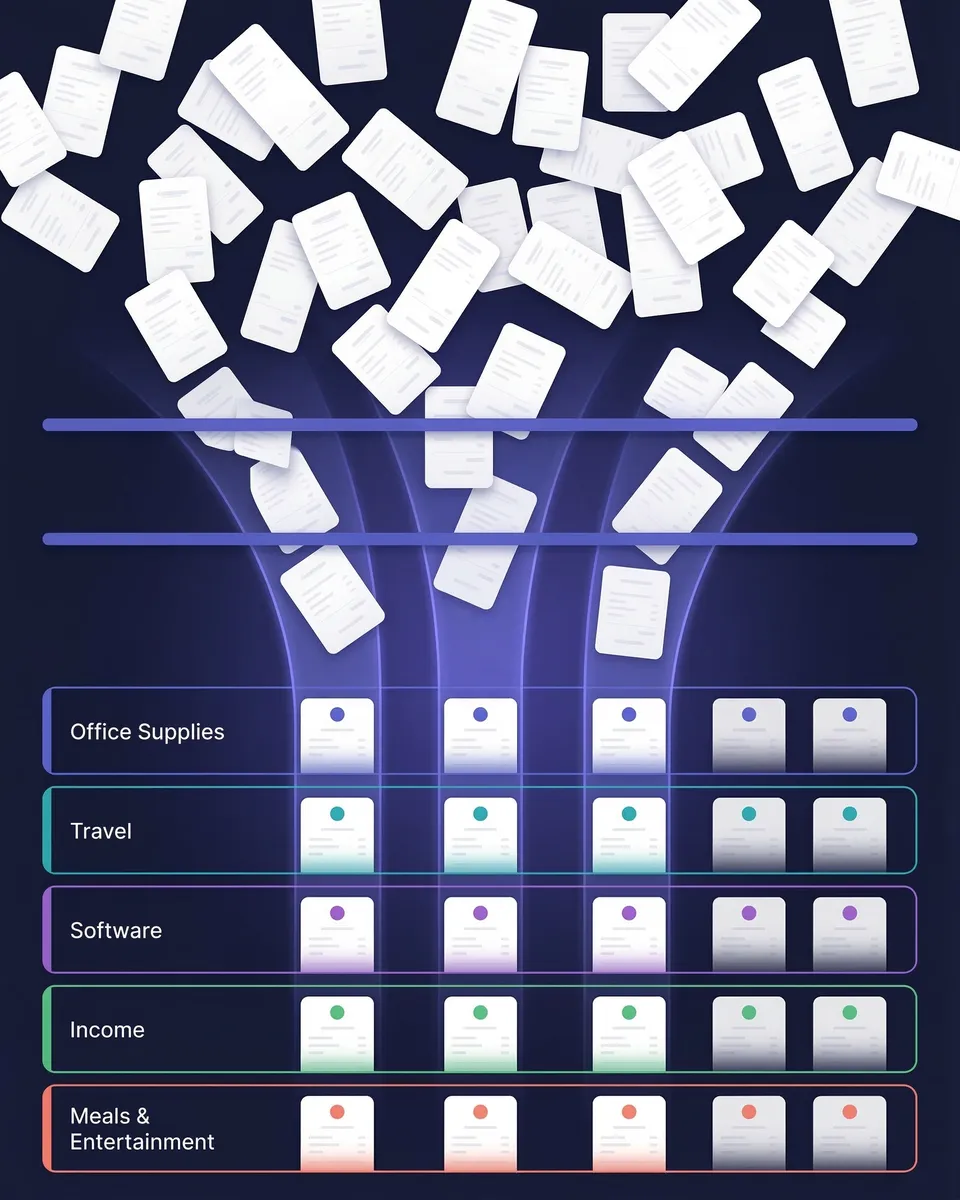
Stop sorting receipts by property at tax time — AI does it for you
Every Property, Every Receipt, One Place
Landlords and property managers deal with a constant stream of receipts — plumber invoices, appliance purchases, insurance payments, HOA fees, cleaning services. When you manage multiple properties, sorting these by property at tax time is a nightmare. SparkReceipt captures every receipt instantly and lets you tag it to the right property. No more shoeboxes, no more spreadsheets, no more guessing which repair went where.
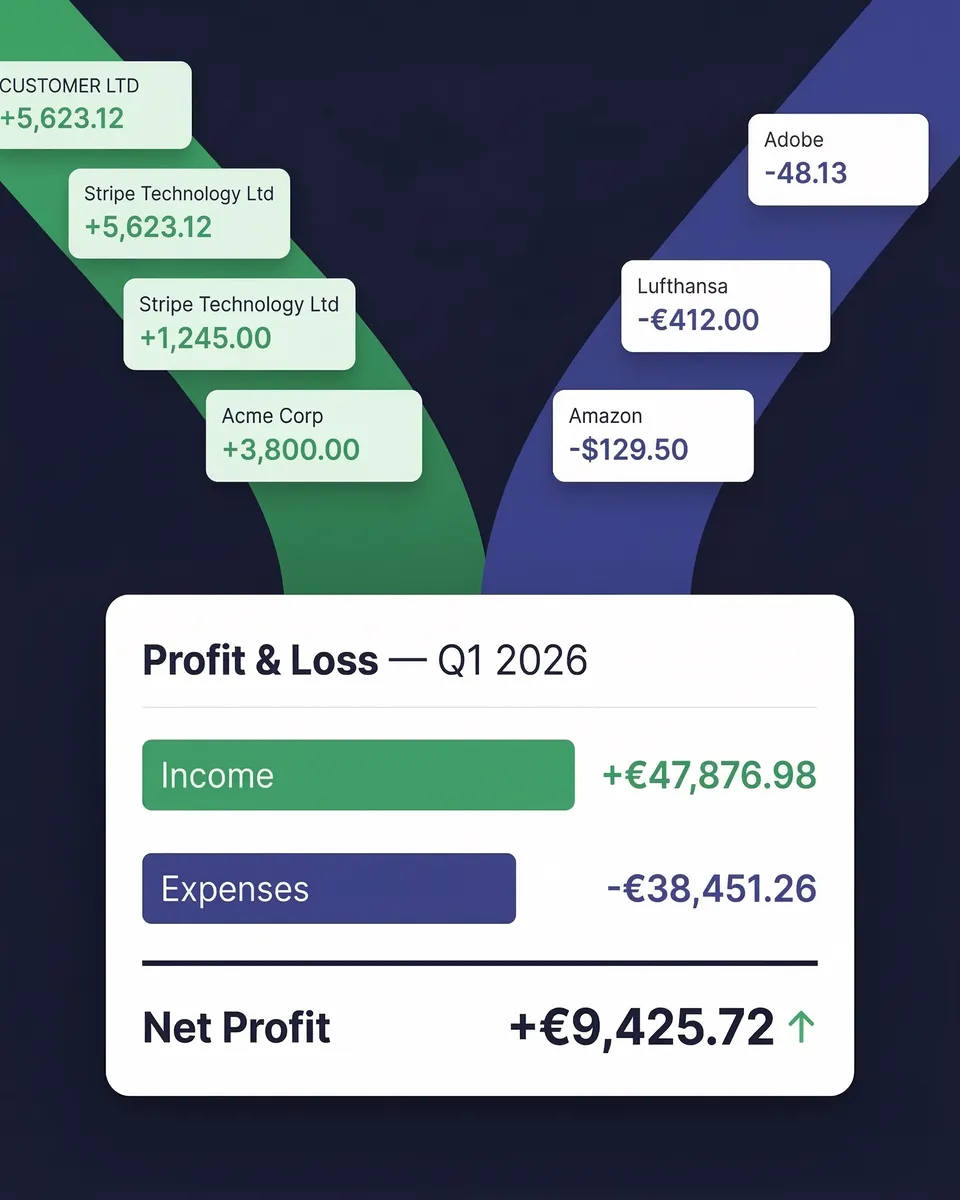
Know which properties make money and which ones drain it
See Your True Profit and Loss Per Property
Most landlords don't know their true per-property profitability until tax time — and by then it's too late to make changes. SparkReceipt gives you real-time expense tracking by property, so you can see exactly how much each unit is costing you. Maintenance, repairs, insurance, utilities — all categorized and totaled automatically. Make smarter decisions about rent pricing, renovations, and which properties to keep or sell.
How It Works for Property Managers
Scan Maintenance and Repair Receipts
Snap a photo of any receipt — plumber invoices, appliance purchases, contractor estimates. SparkReceipt's AI extracts vendor, amount, date, and category in seconds. Forward email receipts and they're processed automatically.
AI Sorts by Property and Category
Every receipt is automatically categorized into property-relevant groups — repairs, maintenance, insurance, utilities, improvements. Tag each expense to a specific property for per-unit cost tracking.
Generate Per-Property Tax Reports
One click generates a complete expense report for any property — with totals, tax breakdowns, and attached receipt images. Export to PDF, Excel, or CSV. Share with your accountant or use directly for Schedule E filing.
Loved by Small Business Owners
“SparkReceipt has been a game-changer for me! It's made organising my expenses and accounts effortless, saving me loads of time.”

Tracy Duggan
Business Coach · United Kingdom
“Excellent start and amazing team. Looking forward to making SparkReceipt my default expense management and accounting platform.”

Jon Aron
Logic Enterprises · Switzerland
“SparkReceipt has simplified our expense tracking significantly. Everything is organized and accessible when we need it.”

Abigail Dombey
Net Zero Associates Ltd · United Kingdom
Still Sorting Property Receipts Manually?
See what changes when AI handles your rental expenses
Without SparkReceipt
- Receipts from multiple properties mixed together in folders
- Scrambling to sort expenses by property at tax time
- Missed deductions on repairs, maintenance, and improvements
- No clear picture of per-property profitability
- Paying your accountant to organize a year's worth of receipts
With SparkReceipt
- Every receipt automatically tagged to the right property
- AI extracts vendor, amount, date, and category instantly
- Never miss a deduction on repairs, insurance, or maintenance
- Per-property expense reports show true profitability
- Invite your accountant — Schedule E data ready in one click
Frequently Asked Questions
Yes. SparkReceipt lets you tag every receipt and expense to a specific property. You can filter, search, and generate reports by property at any time — so you always know exactly how much each unit is costing you.
There's no limit. Whether you manage 2 rental units or 200, SparkReceipt scales with you. Every property gets its own tag, and you can generate reports for any combination of properties.
Yes. SparkReceipt categorizes your expenses into Schedule E-relevant categories — repairs, maintenance, insurance, utilities, mortgage interest, depreciation-related costs, and more. Generate a per-property report and hand it to your accountant or use it directly for filing.
Common deductible rental expenses include repairs, maintenance, insurance, property management fees, mortgage interest, utilities, cleaning, landscaping, advertising, travel to properties, and professional services. SparkReceipt helps you capture and categorize all of them.
Yes. SparkReceipt syncs with QuickBooks Online, so your categorized expenses and receipt images flow directly into your accounting software. You can also export to Excel, CSV, or PDF.
Yes. You can invite your accountant or bookkeeper to your SparkReceipt account. They get full access to your organized, categorized receipts and can generate or export reports directly — no more emailing spreadsheets back and forth.
Yes. SparkReceipt scans invoices just like receipts. Whether it's a plumber's invoice, a contractor estimate, or a property management fee — AI extracts the details and categorizes it automatically.
SparkReceipt costs <Price plan="elite" cadence="annual" display="annual" />/year with all features included. There are no per-user fees, no per-property charges, and no hidden costs. Start with a 7-day free trial.
Simple, Transparent Pricing
One flat price. No per-user fees. No hidden costs.