
SparkReceipt + FreshBooks Integration
Scan receipts with AI, sync to FreshBooks automatically. Coming soon.
We're building a direct integration between SparkReceipt and FreshBooks. Once live, your scanned receipts, categorized expenses, and receipt images will sync directly to FreshBooks — no manual entry, no CSV exports. Sign up now and start organizing your receipts with SparkReceipt. When the FreshBooks integration launches, your data will be ready to sync.
Business Owners in 80+ Countries Trust SparkReceipt


Better receipt scanning, automatic categorization, and organized expenses ready to sync
Why Use SparkReceipt With FreshBooks?
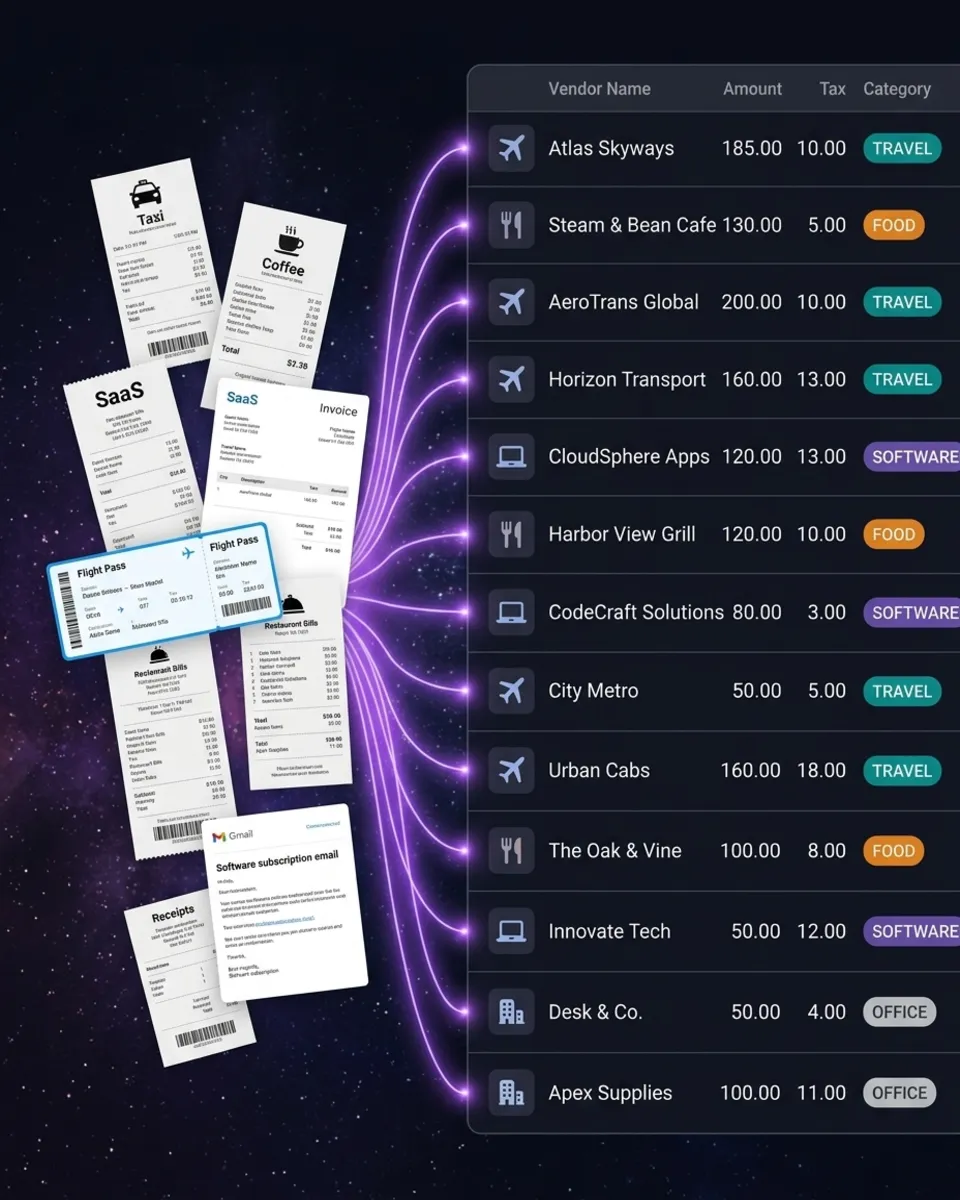
FreshBooks handles your accounting. SparkReceipt handles your receipts. FreshBooks is great for invoicing, time tracking, and financial reporting. But its receipt scanning is basic. SparkReceipt fills that gap with AI-powered receipt capture that's faster and more accurate. When the integration launches, here's how it will work: scan a receipt with SparkReceipt (phone camera, file upload, or automatic email capture from Gmail, Microsoft, or IMAP), let the AI extract and categorize the data, then sync it directly to FreshBooks. Your categorized expenses and original receipt images flow into FreshBooks without manual data entry.
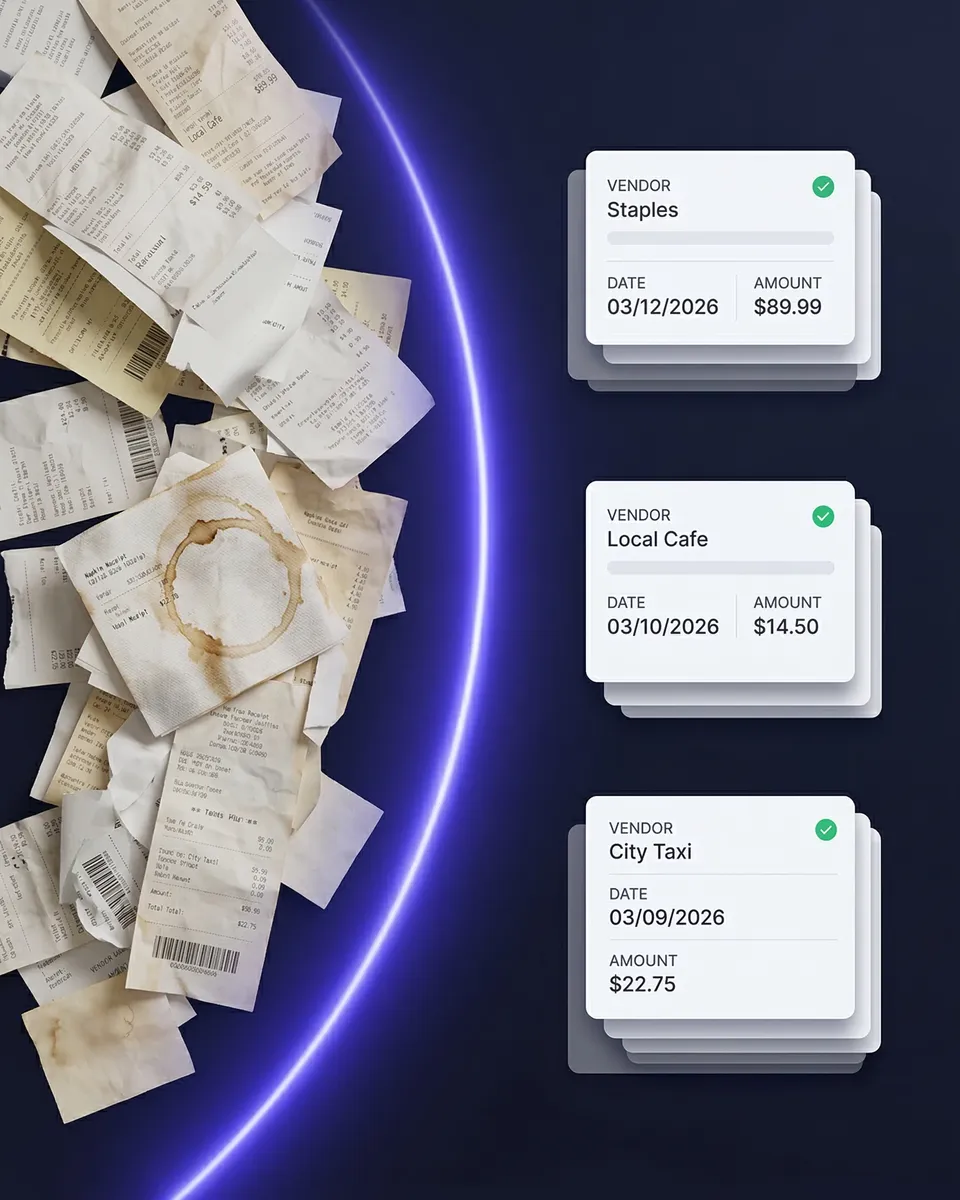
Start scanning receipts today — when the integration goes live, everything syncs
What You Can Do Right Now
You don't need to wait for the FreshBooks integration to start using SparkReceipt. Sign up now and begin capturing receipts immediately: scan paper receipts with your phone camera or upload files on desktop. Capture email receipts automatically from Gmail, Outlook, Live, Hotmail, or any IMAP inbox — including historical emails. Upload bank statements and match transactions to your scanned receipts. Auto-categorize expenses with AI that learns your spending patterns. Generate expense reports in PDF, Excel, CSV, or ZIP. Invite your accountant or bookkeeper to your account at any time. In the meantime, you can export your categorized expenses from SparkReceipt as CSV or Excel and import them into FreshBooks manually. Once the direct integration launches, this step goes away entirely.
Simple, Transparent Pricing
One flat price. No per-user fees. No hidden costs.
Connects With Your Favorite Tools




Work smarter by connecting SparkReceipt to the tools you already use
Loved by Small Business Owners
“Thanks to SparkReceipt I have a quick look to my business accounts status in a glance. It is really impressive.”

Rafael Roa
System Arquitectura · Spain
“With SparkReceipt, organizing and tracking expenses has never been easier. The detailed categorization and expense tracking features make financial management a breeze. Plus, the ability to easily share receipts and collaborate with others adds an extra level of convenience.”

Jean-Pierre Michael
Artist · France
“SparkReceipt is one of the very few software purchased that I have made that exceeded my expectations. It does much more than keeps copies of your business receipts, it provides great reports, with easy edit options — it is going to save me a lot of work when I do my annual tax returns — a great product.”

Robert Connolly
The Internet Design Co. · Scotland
Frequently Asked Questions
The FreshBooks integration is currently in development. Sign up for SparkReceipt now and start scanning receipts — when the integration launches, your data will be ready to sync.
The integration will sync your categorized expenses and receipt images directly from SparkReceipt to FreshBooks. No manual data entry, no CSV exports. Scan a receipt in SparkReceipt and it appears in FreshBooks automatically.
Yes. You can export your categorized expenses from SparkReceipt as CSV or Excel and import them into FreshBooks. You can also use webhooks to connect SparkReceipt with FreshBooks via Zapier or Make.com.
SparkReceipt Elite is $16.65/month billed annually ($199.98/year), includes 3 users, and comes with a 7-day free trial. Unlimited document scanning is included.
No. Any receipts you scan now will be ready to sync when the FreshBooks integration goes live. Your data stays in SparkReceipt and will connect to FreshBooks without re-scanning.
Yes. SparkReceipt currently integrates directly with QuickBooks Online and Xero. It also connects with Zapier, Make.com, and Pabbly via webhooks.