Receipt Scanner for QuickBooks Online
Scan receipts with AI — sync to QuickBooks automatically.
Stop typing receipt data into QuickBooks manually. SparkReceipt's AI scans every receipt, invoice, and expense document — then syncs the extracted data directly to QuickBooks Online through a native integration. No CSV exports, no copy-pasting, no missed transactions. Just scan receipts and watch them flow into your books.
Business Owners in 80+ Countries Trust SparkReceipt


AI captures every detail — vendor, amount, date, tax, category
The Best Receipt Scanner App for QuickBooks
QuickBooks' built-in receipt capture works for simple receipts — but when you need to process supplier invoices, crumpled paper receipts, handwritten notes, or documents in multiple currencies, you need something more powerful. SparkReceipt's AI receipt scanner reads any receipt format in seconds. Snap a photo with your phone, upload a PDF, or forward receipts from email — the AI extracts vendor name, amount, date, tax, and line items automatically. Data syncs to QuickBooks Online through a direct API connection, mapped to your chart of accounts.
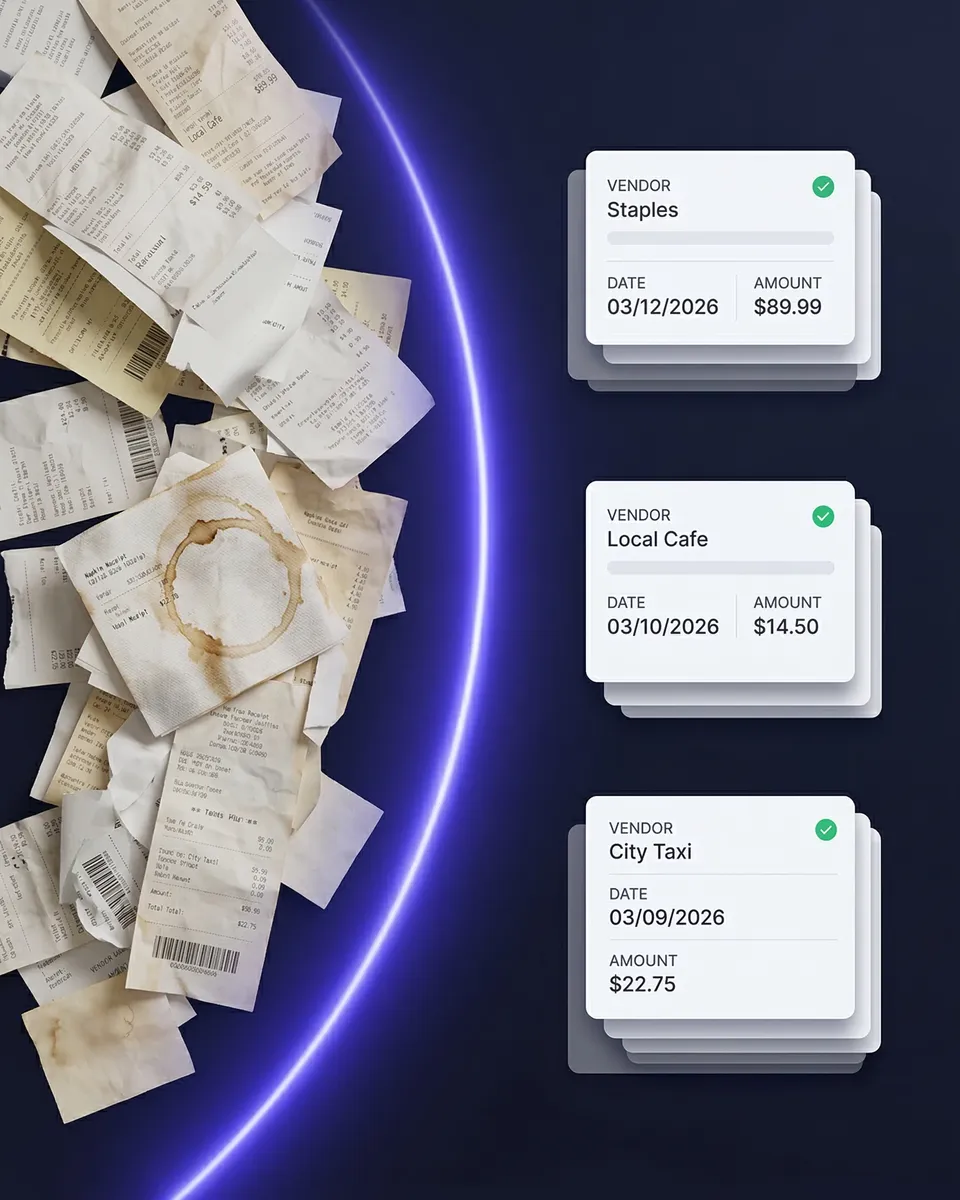
Every receipt captured, categorized, and synced automatically
Scan Receipts to QuickBooks — No Manual Entry
Here's what happens when you scan a receipt with SparkReceipt's QuickBooks integration: scan — snap a photo, upload a file, or forward an email receipt. AI extracts vendor, amount, date, tax, and category automatically. Expenses are auto-categorized to your QuickBooks chart of accounts. The transaction syncs and appears in QuickBooks Online, ready to match with bank feeds. No typing. No CSV exports. No switching between apps.
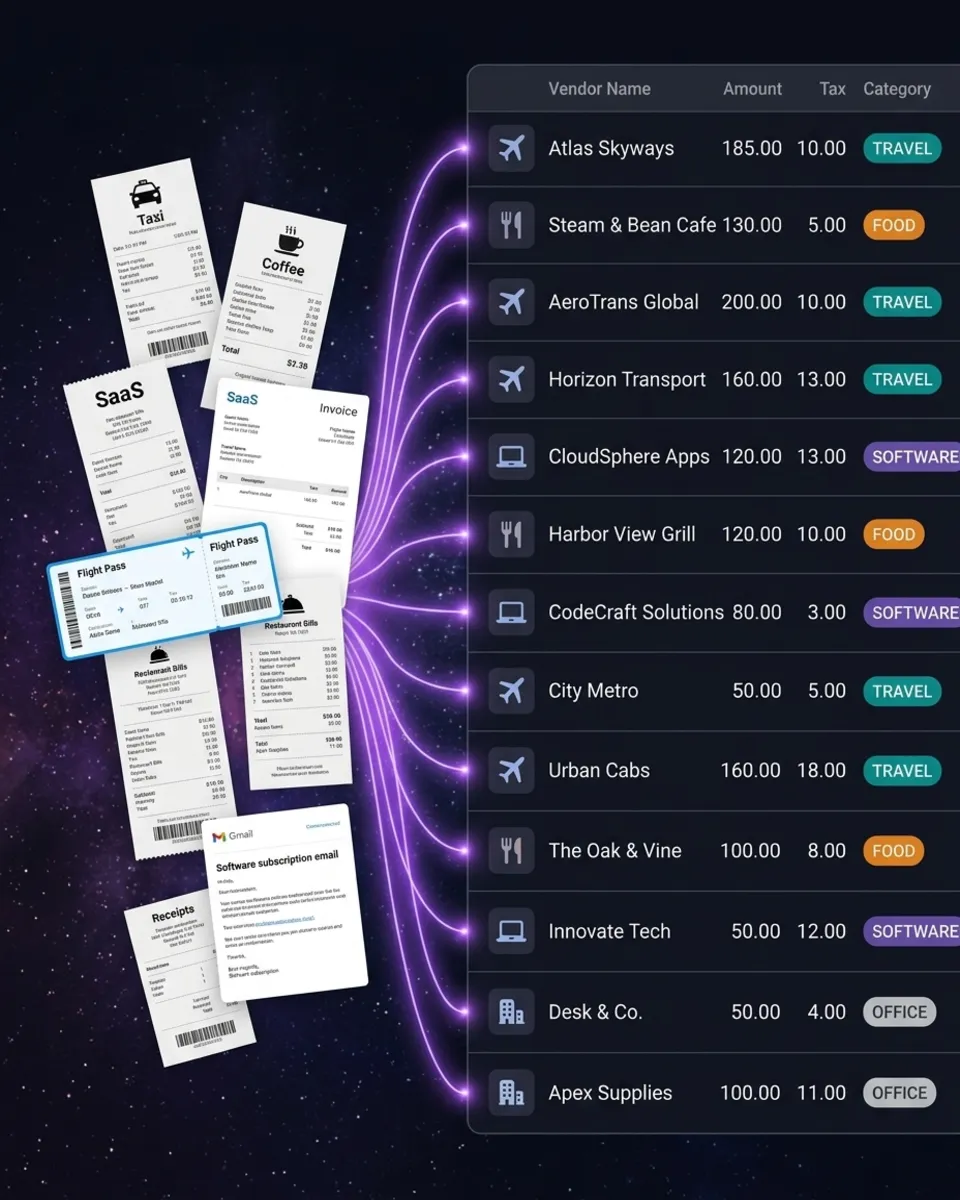
Track every business expense — receipts, invoices, and bank statements
Expense Tracker That Works With QuickBooks
SparkReceipt isn't just a receipt scanner — it's a full expense tracker that feeds into QuickBooks. Capture receipts from your phone, import email receipts automatically, and upload bank statements to catch anything you missed. AI categorizes every expense and learns your spending patterns over time. Generate expense reports by category, vendor, or time period — then sync everything to QuickBooks. Your accountant gets clean books without chasing you for receipts.
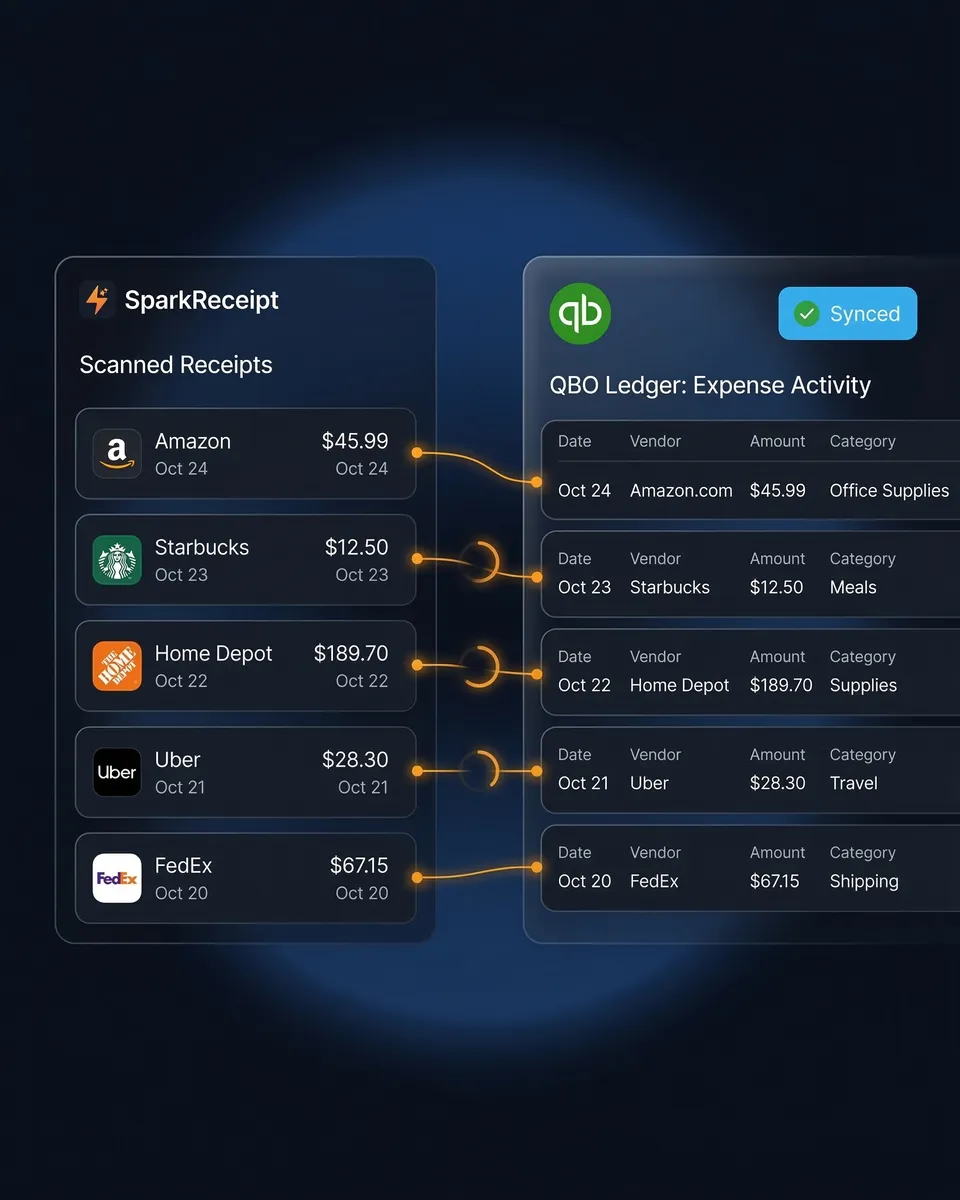
How Receipt Scanning to QuickBooks Works
Capture Any Receipt or Invoice
Snap a photo with your iPhone or Android. Upload PDFs, images, or documents from your computer. Forward email receipts from suppliers and vendors automatically. SparkReceipt's AI reads any format — printed, handwritten, crumpled, or faded.
AI Extracts and Categorizes Automatically
The AI reads every receipt and extracts vendor name, total amount, date, tax, and line items. Expenses are automatically categorized using your QuickBooks chart of accounts. SparkReceipt learns your vendors and gets smarter with every receipt.
Push to QuickBooks Online Automatically
Categorized expenses sync to QuickBooks Online through a direct API connection. Transactions appear in your books ready to match with bank feeds. Receipt images are attached to each transaction — so your accountant can verify any expense without asking you for the original.
Loved by Small Business Owners
“Excellent software to manage income and expenses, and have the relevant info at your fingertips at any given time.”

Melvin Hoods
MJD Brokers · South Africa
“I used to send my accountant a bag of slips every month hoping they capture everything in order for me to be refunded for business expenses. With SparkReceipt I now have a realtime view of how much the business owes me and I have a clear picture for what business expenses I pay for.”

Daniel Esterhuizen
Esterhuizen Consulting · South Africa
“The scan accuracy is the most precise out there. Just try it!”

Christina Sust
INMIZE · Spain
Still Entering Receipts Into QuickBooks Manually?
See what changes when AI handles your receipt capture
Without SparkReceipt
- Manual typing into QuickBooks one transaction at a time
- Receipt pile-ups because manual entry takes too long
- Errors from mistyped amounts, wrong dates, missed transactions
- No receipt images attached to QuickBooks transactions
- Accountant asking you to find receipts at tax time
With SparkReceipt
- AI scans and syncs to QuickBooks in seconds — no typing
- Every receipt captured the moment you get it — phone, email, or upload
- Accurate AI extraction of vendor, amount, date, tax, and category
- Original receipt images attached to every transaction
- Invite your accountant or bookkeeper to your account at any time
Frequently Asked Questions
SparkReceipt is designed to be the best receipt scanner for QuickBooks Online. Its advanced AI reads any receipt format — printed, handwritten, crumpled, or faded — and extracts vendor, amount, date, tax, and line items. Data syncs directly to QuickBooks Online via a native API integration, with receipt images attached to every transaction.
Yes. With SparkReceipt's QuickBooks integration, you scan a receipt (phone photo, PDF upload, or email forward) and the extracted data syncs directly to QuickBooks Online. No CSV exports, no manual entry, no copy-pasting. Transactions appear in your QuickBooks books automatically, categorized and ready for reconciliation.
Yes. SparkReceipt is a full expense tracker that integrates with QuickBooks Online. It captures receipts from photos, email, and bank statements — categorizes everything with AI — and syncs to your QuickBooks chart of accounts. Generate expense reports by category, vendor, or time period before syncing.
SparkReceipt uses a direct API integration to QuickBooks Online. The AI extracts data from your receipts and maps expenses to your chart of accounts categories. You can sync individual transactions or batch sync. Receipt images are attached to each transaction for audit purposes.
SparkReceipt's purpose-built AI handles poor quality photos, crumpled receipts, handwritten documents, multi-currency invoices, and complex line items more accurately than QuickBooks' built-in scanner. It also adds automatic email receipt capture, bank statement extraction, and supports 150+ currencies.
Yes. You can invite your accountant or bookkeeper to your SparkReceipt account. They can view all your scanned receipts, expense categories, and reports directly in SparkReceipt — in addition to the data that syncs to QuickBooks. Accountants count toward your seat count.
The QuickBooks integration is included at no extra cost with SparkReceipt Elite at $199.98/year, which includes 3 users, a 7-day free trial, and unlimited document scanning.
Simple, Transparent Pricing
One flat price. No per-user fees. No hidden costs.