Receipt Scanner for Xero
Scan receipts with AI — sync to Xero automatically.
Stop manually entering receipts into Xero. SparkReceipt's AI scans every receipt, invoice, and expense document — then syncs the extracted data directly to Xero through a native integration. No CSV exports, no copy-pasting, no missed transactions. Snap a photo, forward an email, or upload a document — and watch it flow into your Xero books.
Business Owners in 80+ Countries Trust SparkReceipt


AI captures every detail — vendor, amount, date, tax, category
The Best Receipt Scanner App for Xero
Xero's built-in receipt capture works for simple receipts — but when you need to process supplier invoices, crumpled paper receipts, handwritten notes, or documents in multiple currencies, you need something more powerful. SparkReceipt's AI receipt scanner reads any receipt format in seconds. Snap a photo with your phone, upload a PDF, or forward receipts from email — the AI extracts vendor name, amount, date, tax, and line items automatically. Data syncs to Xero through a direct API connection, mapped to your chart of accounts.
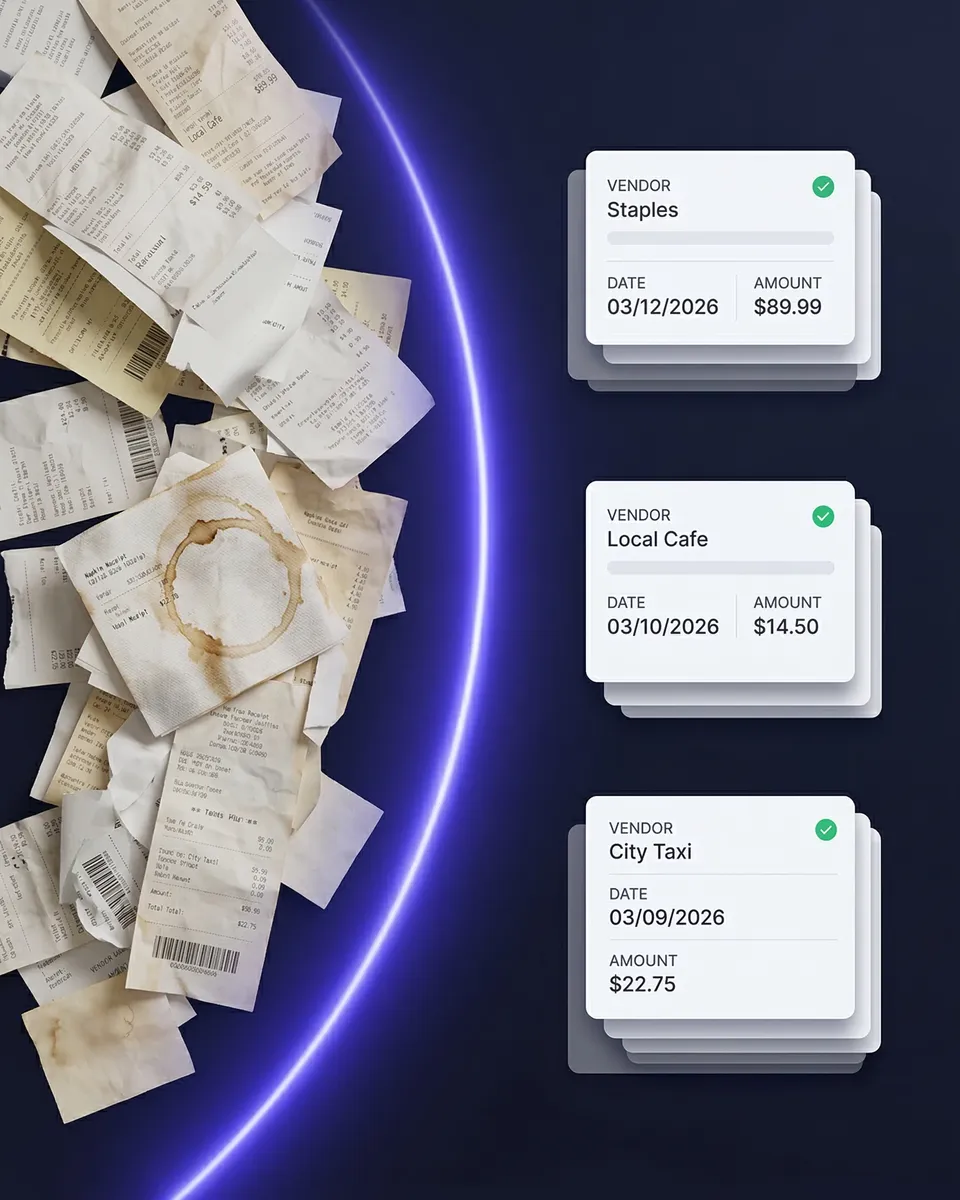
Every receipt captured, categorized, and synced automatically
Scan Receipts to Xero — No Manual Entry
Here's what happens when you scan a receipt with SparkReceipt's Xero integration: scan — snap a photo, upload a file, or forward an email receipt. AI extracts vendor, amount, date, tax, currency, and category automatically. Expenses are auto-categorized to your Xero chart of accounts. The transaction syncs and appears in Xero, ready to match with bank feeds. No typing. No CSV exports. No switching between apps. Your receipts go from paper (or email) to your Xero books in seconds — with the original receipt image attached as supporting documentation.
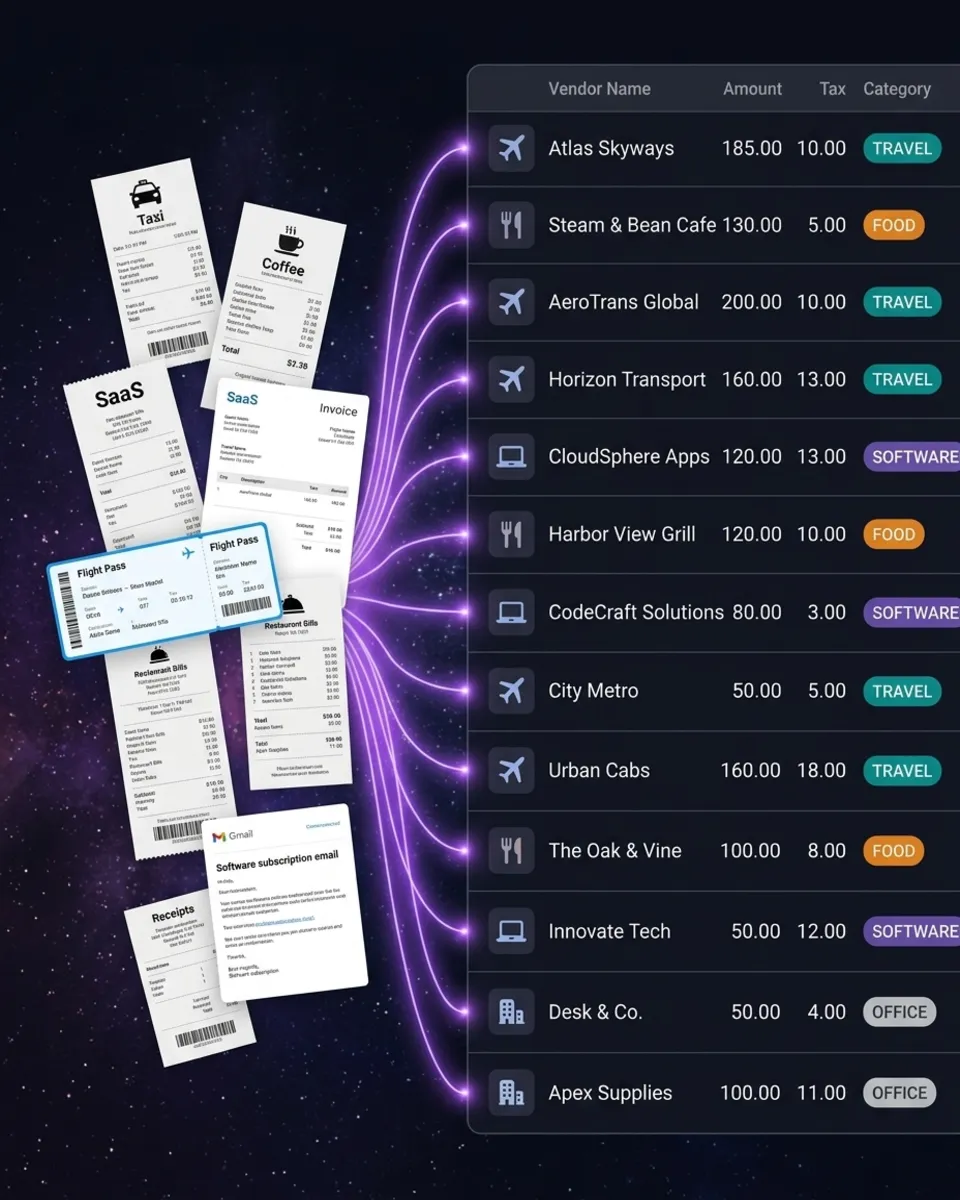
Receipts in 150+ currencies, converted and synced automatically
Built for Multi-Currency — Perfect for Xero Users
Xero users work internationally — and so does SparkReceipt. Our AI reads receipts in 150+ currencies and converts them automatically. Scan a supplier invoice in euros, a taxi receipt in Japanese yen, or an Airbnb booking in US dollars — each one is processed in the original currency and synced to Xero with the correct exchange rate. No manual currency lookups. No conversion spreadsheets. Just scan and sync — SparkReceipt and Xero handle the rest.
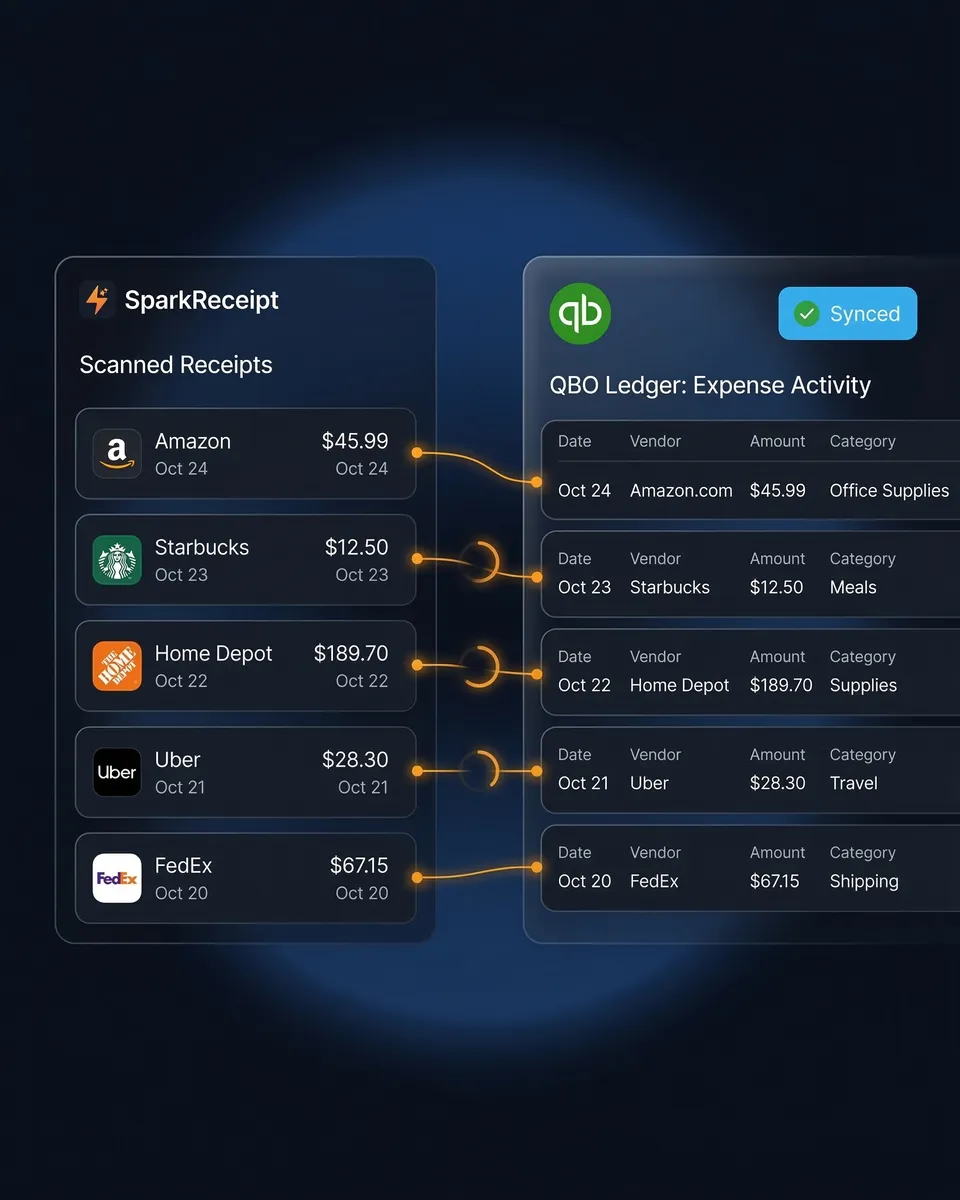
Track every business expense — receipts, invoices, and bank statements
Expense Tracker That Works With Xero
SparkReceipt isn't just a receipt scanner — it's a full expense tracker that feeds into Xero. Capture receipts from your phone, import email receipts automatically, and upload bank statements to catch anything you missed. AI categorizes every expense and learns your spending patterns over time. Generate expense reports by category, vendor, or time period — then sync everything to Xero. Your accountant gets clean books without chasing you for receipts.
How Receipt Scanning to Xero Works
Capture Any Receipt or Invoice
Snap a photo with your iPhone or Android. Upload PDFs, images, or documents from your computer. Forward email receipts from suppliers and vendors automatically. SparkReceipt's AI reads any format — printed, handwritten, crumpled, faded, or in any of 150+ currencies.
AI Extracts and Categorizes Automatically
The AI reads every receipt and extracts vendor name, total amount, date, tax, currency, and line items. Expenses are automatically categorized using your Xero chart of accounts. SparkReceipt learns your vendors and gets smarter with every receipt — so your regular suppliers are categorized correctly every time.
Push to Xero Automatically
Categorized expenses sync to Xero through a direct API connection. Transactions appear in your books ready to match with bank feeds. Receipt images are attached to each transaction — so your accountant can verify any expense without asking you for the original. Multi-currency transactions are synced with the correct exchange rate.
Loved by Small Business Owners
“I needed a solution to organize and process my personal and business receipts. I'm thrilled I found SparkReceipt. It saves me a lot of time!”

Frédéric Thériault
Productions Locavores · Canada
“With SparkReceipt, organizing and tracking expenses has never been easier. The detailed categorization and expense tracking features make financial management a breeze. Plus, the ability to easily share receipts and collaborate with others adds an extra level of convenience.”

Jean-Pierre Michael
Artist · France
“Excellent software to manage income and expenses, and have the relevant info at your fingertips at any given time.”

Melvin Hoods
MJD Brokers · South Africa
Still Entering Receipts Into Xero Manually?
See what changes when AI handles your receipt capture
Without SparkReceipt
- Typing receipt data into Xero one transaction at a time
- Receipts piling up because manual entry takes too long
- Manually converting foreign currency receipts and looking up exchange rates
- No receipt images attached to Xero transactions
- Accountant asking you to find receipts at tax time
With SparkReceipt
- AI scans receipts and syncs to Xero in seconds — no typing
- Every receipt captured the moment you get it — phone, email, or upload
- 150+ currencies converted automatically — no manual lookups
- Original receipt images attached to every Xero transaction
- Invite your accountant or bookkeeper to your account at any time
Frequently Asked Questions
After you have signed up for an account on SparkReceipt, please send a message to support@sparkreceipt.com, and we will activate it in your account.
SparkReceipt is a powerful receipt scanner designed to work with Xero. Unlike Dext (formerly Receipt Bank) or Xero's built-in Hubdoc, SparkReceipt uses advanced AI to read any receipt format — printed, handwritten, crumpled, or faded — in 150+ currencies. Data syncs directly to Xero through a native API integration with receipt images attached to every transaction.
Yes. With SparkReceipt's Xero integration, you scan a receipt (phone photo, PDF upload, or email forward) and the extracted data syncs directly to Xero. No CSV exports, no manual entry, no copy-pasting. The transaction appears in your Xero books automatically, categorized and ready for bank reconciliation.
SparkReceipt offers AI-powered receipt scanning with 150+ currency support, automatic email receipt capture, and bank statement extraction — at a fraction of Dext's price. While Dext charges from $24/month, SparkReceipt Elite is $16.65/month billed annually and includes 3 users with simple, transparent pricing. Both integrate directly with Xero, but SparkReceipt's AI handles poor-quality receipts, handwritten documents, and multi-currency invoices more accurately.
SparkReceipt's Xero integration is available now. We're working on becoming a certified Xero app partner. In the meantime, you can use SparkReceipt to organize and categorize all your receipts and expenses, then sync data directly to Xero.
Yes — this is one of SparkReceipt's strongest features. Our AI reads receipts in 150+ currencies and converts them automatically using current exchange rates. Whether you're scanning a supplier invoice in EUR, a hotel receipt in USD, or a taxi receipt in JPY, SparkReceipt processes the original currency and syncs the converted amount to Xero.
Yes. SparkReceipt is a full expense tracker that integrates with Xero. It captures receipts from photos, email, and bank statements — categorizes everything with AI — and syncs to your Xero chart of accounts. Generate expense reports by category, vendor, or time period before syncing to Xero.
Yes. Invite your accountant or bookkeeper to your account at any time. They can view all your scanned receipts, expense categories, and reports directly in SparkReceipt — in addition to the data that syncs to Xero. Accountants count toward your seat count, just like any other team member.
SparkReceipt Elite is $16.65/month billed annually ($199.98/year), includes 3 users, and comes with a 7-day free trial and unlimited document scanning. Compare that to Dext ($24+/month), AutoEntry ($24+/month), or Hubdoc (now bundled with Xero but limited in features). SparkReceipt gives you AI receipt scanning, email receipt capture, bank statement extraction, and 150+ currencies at a fraction of the cost.
Simple, Transparent Pricing
One flat price. No per-user fees. No hidden costs.