
SparkReceipt + Zoho Books Integration
Scan receipts with AI, sync to Zoho Books automatically. Coming soon.
We're building a direct integration between SparkReceipt and Zoho Books. Once live, your scanned receipts, categorized expenses, and receipt images will sync directly to Zoho Books — no manual entry, no CSV exports. Sign up now and start organizing your receipts with SparkReceipt. When the Zoho Books integration launches, your data will be ready to sync.
Business Owners in 80+ Countries Trust SparkReceipt


Better receipt scanning and expense capture for your Zoho Books workflow
Why Use SparkReceipt With Zoho Books?
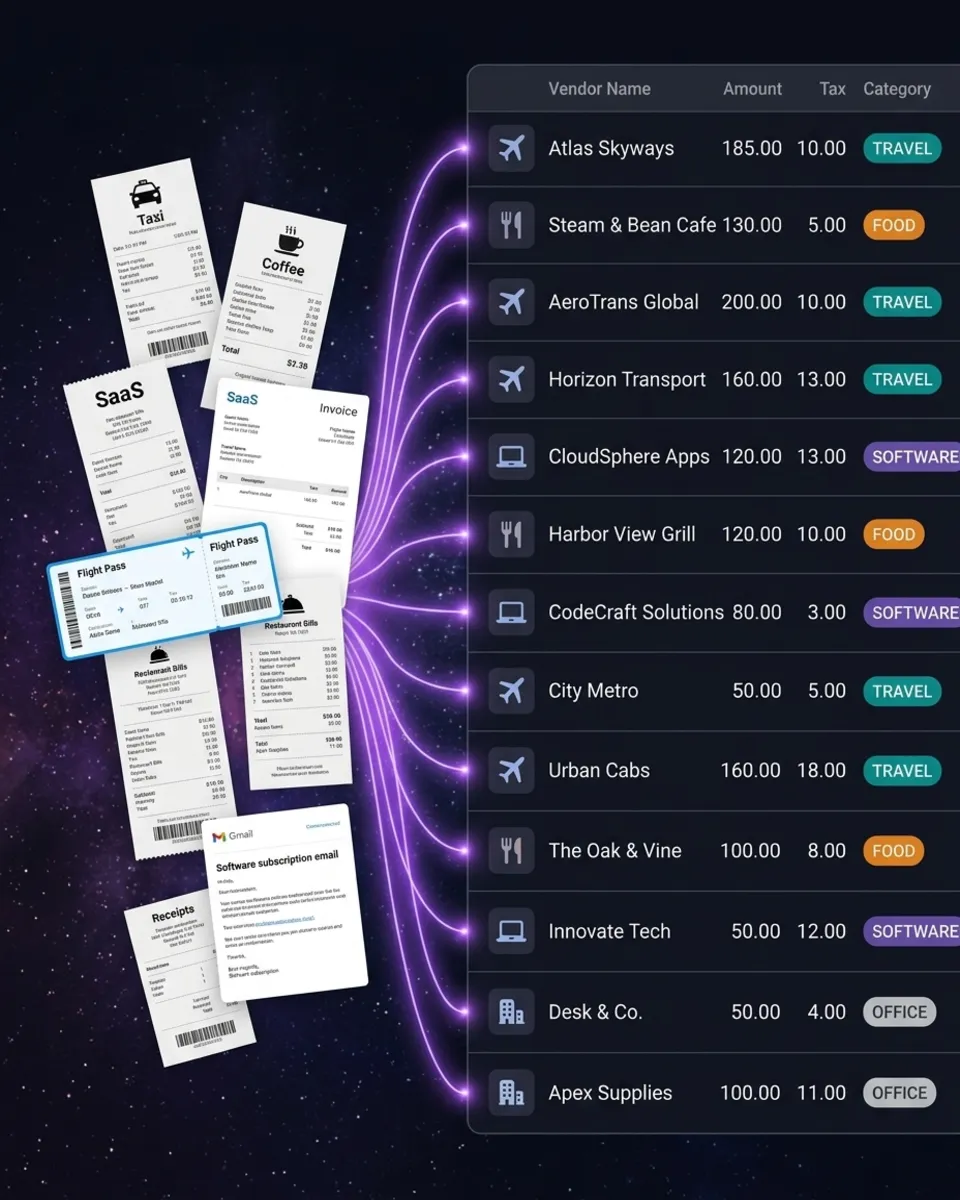
Zoho Books handles your accounting. SparkReceipt handles your receipts. Zoho Books is a solid accounting platform, especially for businesses already in the Zoho ecosystem. But its receipt scanning capabilities are limited compared to a dedicated tool. SparkReceipt fills that gap with AI-powered receipt capture that's faster and more accurate. When the integration launches, here's how it will work: scan a receipt with SparkReceipt (phone camera, file upload, or automatic email capture from Gmail, Microsoft, or IMAP), let the AI extract and categorize the data, then sync it directly to Zoho Books. Your categorized expenses and original receipt images flow into Zoho Books without manual data entry.
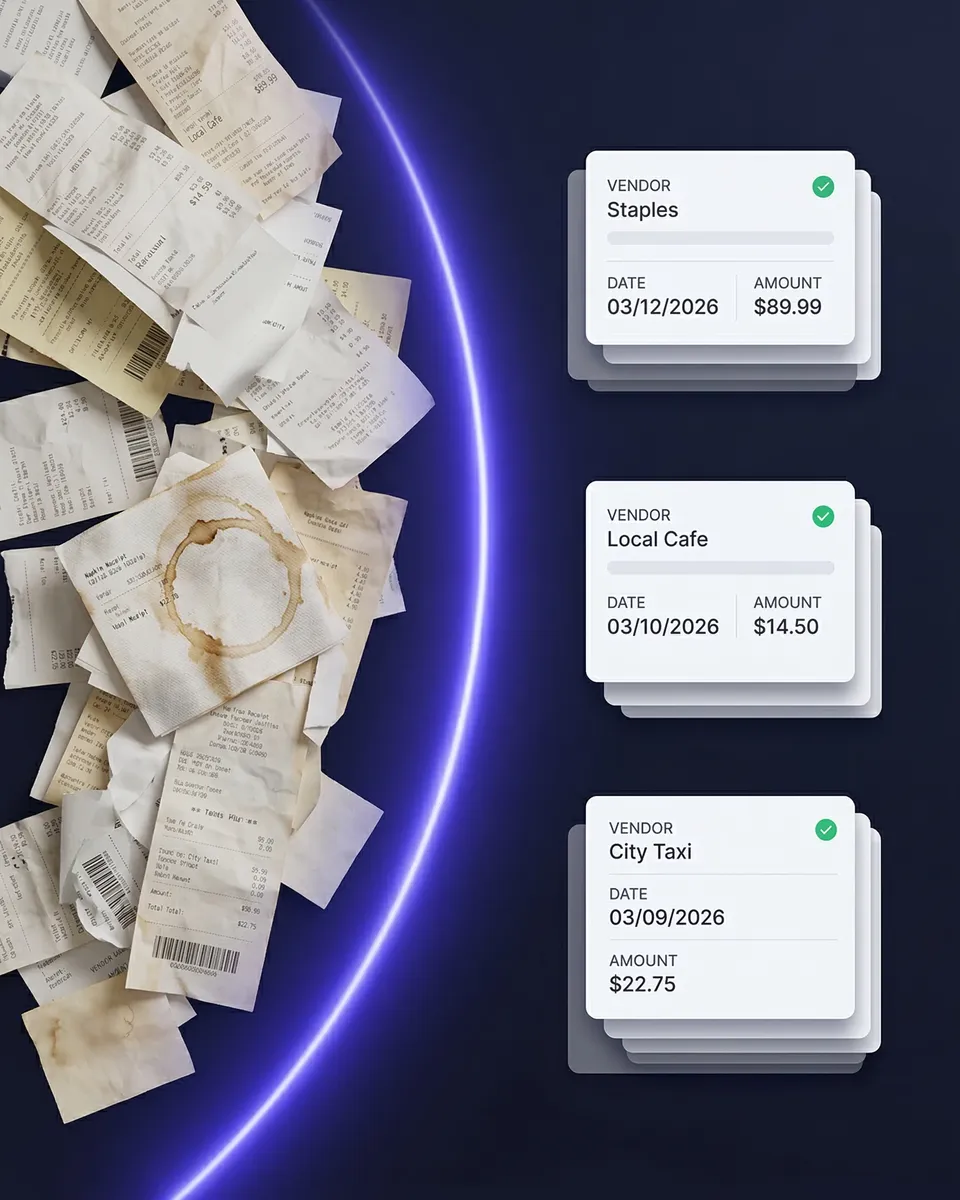
Start scanning receipts today — when the integration goes live, everything syncs
What You Can Do Right Now
You don't need to wait for the Zoho Books integration to start using SparkReceipt. Sign up now and begin capturing receipts immediately: scan paper receipts with your phone camera or upload files on desktop. Capture email receipts automatically from Gmail, Microsoft, or IMAP — including historical emails. Upload bank statements and match transactions to your scanned receipts. Auto-categorize expenses with AI that learns your spending patterns. Generate expense reports in PDF, Excel, CSV, or ZIP. Invite your accountant or bookkeeper to your account at any time. In the meantime, you can export your categorized expenses from SparkReceipt as CSV or Excel and import them into Zoho Books manually. Once the direct integration launches, this step goes away entirely.
Simple, Transparent Pricing
One flat price. No per-user fees. No hidden costs.
Connects With Your Favorite Tools



Work smarter by connecting SparkReceipt to the tools you already use
Loved by Small Business Owners
“Excellent start and amazing team. Looking forward to making SparkReceipt my default expense management and accounting platform.”

Jon Aron
Logic Enterprises · Switzerland
“Thanks to you, I'm actually looking forward to my year end FOR THE FIRST TIME EVER, when I can surprise my accountant with my completed accounts with a week or so off the end of the year!”

Abigail Dombey
Net Zero Associates Ltd · United Kingdom
“SparkReceipt takes care of the busy work, allowing me to quickly save receipts and create expense reports.”

Tim Heller
HellerWeather · United States
Frequently Asked Questions
The Zoho Books integration is currently in development. Sign up for SparkReceipt now and start scanning receipts — when the integration launches, your data will be ready to sync.
The integration will sync your categorized expenses and receipt images directly from SparkReceipt to Zoho Books. No manual data entry, no CSV exports. Scan a receipt in SparkReceipt and it appears in Zoho Books automatically.
Yes. You can export your categorized expenses from SparkReceipt as CSV or Excel and import them into Zoho Books. You can also use webhooks to connect SparkReceipt with Zoho Books via Zapier or Make.com.
Zoho Expense is Zoho's own expense tracking tool within the Zoho ecosystem. SparkReceipt is a standalone AI-powered receipt scanner that works with any accounting software. SparkReceipt offers more advanced AI scanning, automatic email receipt capture, bank statement matching, 150+ currency support, and easy accountant invitations.
SparkReceipt Elite is $16.65/month billed annually ($199.98/year), includes 3 users, and comes with a 7-day free trial. Unlimited document scanning is included.
Yes. SparkReceipt currently integrates directly with QuickBooks Online and Xero. A FreshBooks integration is also coming soon.